How an AI Phone Answering Service Stops You from Losing Customers
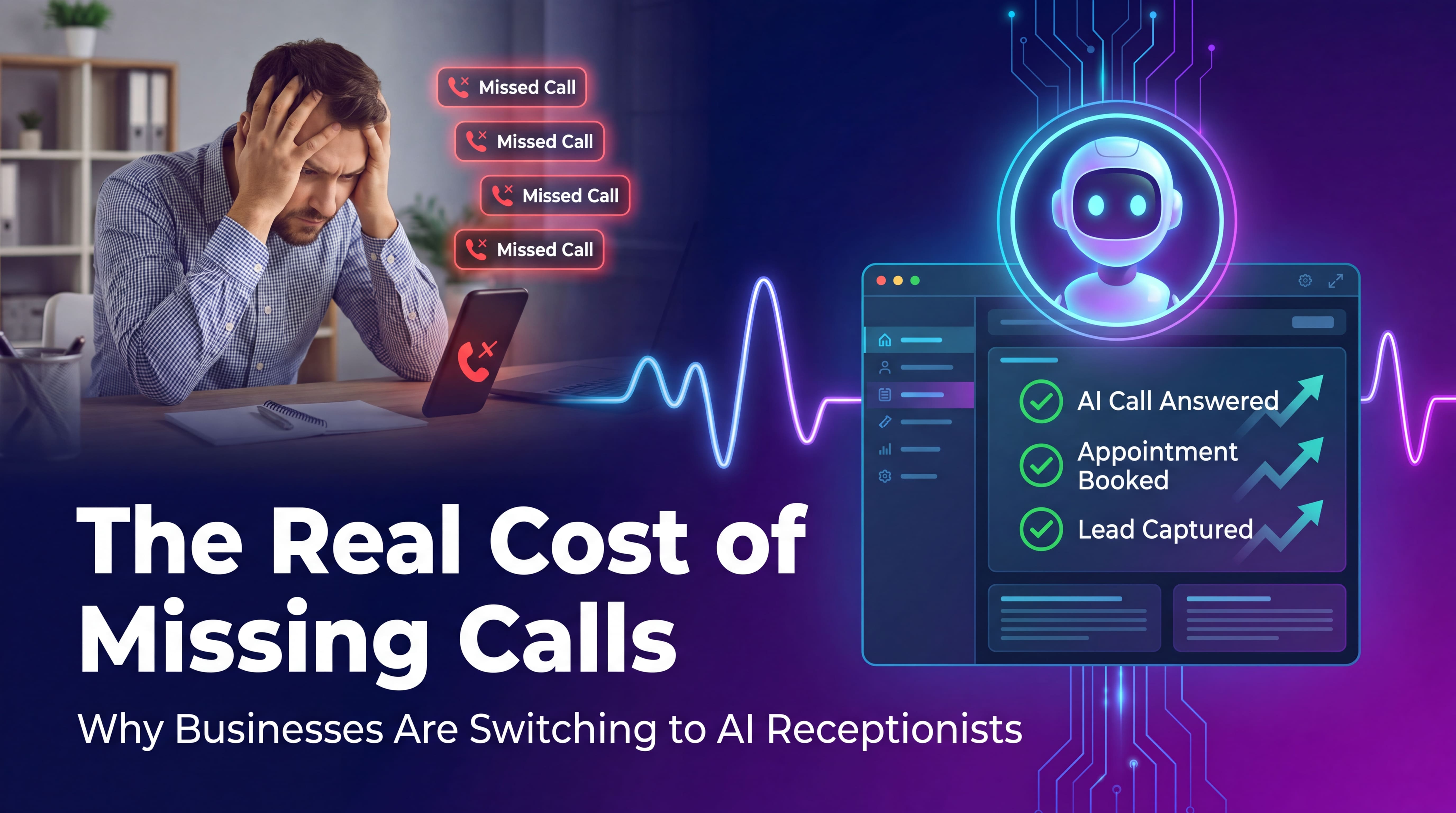
You're in the middle of a job when your phone rings. It's probably a new customer, but you can't pick up—you're on a ladder, your hands are covered in grease, or you're dealing with the problem right in front of you. By the time you call them back three hours later, they've already booked with someone else.
This happens to every small business owner. The plumber who misses calls because they're under a sink. The HVAC tech who can't answer while they're on a roof. The electrician who loses the lead because they were wiring a panel. You're not ignoring customers on purpose—you're just busy doing the actual work.
An AI phone answering service picks up every call, answers basic questions, and books appointments while you work. It costs less than hiring a person and doesn't take breaks, get sick, or forget to write things down.
What Exactly Is an AI Phone Answering Service?
It's software that answers your business phone using AI voice technology. When someone calls, they hear a natural-sounding voice that can:
-
Answer common questions about your services and pricing
-
Check your calendar and book appointments
-
Take detailed messages with contact information
-
Transfer urgent calls directly to you
-
Send you a summary of every call via text or email
The AI handles routine calls automatically. You get back time, catch every lead, and only deal with calls that actually need you on the line.
Unlike old-school answering services where you pay per minute and get generic scripting, AI systems learn your business. You tell it your services, pricing, service area, and availability. It handles the rest.
Why Small Businesses Need This (Especially Service Businesses)
Service businesses lose money on missed calls in ways that aren't obvious until you add them up.
You're hemorrhaging leads. Studies show that 80% of callers won't leave a voicemail. They'll just call the next business on Google. If you miss a call at 2 PM and call back at 5 PM, there's a 70% chance they've already hired someone. Every missed call during business hours is revenue walking out the door.
Your competitors answer. When someone's water heater is leaking or their AC died in July, they're calling multiple companies. The first one that picks up and sounds competent gets the job. You might be better, cheaper, and faster—but if you don't answer, they'll never know.
After-hours calls aren't going away. People search for plumbers at 9 PM when they notice a leak. They look for HVAC companies on Saturday morning when the heat stops working. If your phone goes to voicemail, you're invisible to half your potential customers.
Hiring a receptionist is expensive. Full-time receptionists cost $30,000–$40,000 per year plus benefits. Part-time still runs $15,000–$20,000. AI answering starts at under $600/year and works 24/7. For most small businesses, the math isn't close.
How It Actually Works (The Technical Stuff, Simply Explained)
The technology behind AI phone answering combines a few different systems:
Voice recognition converts what the caller says into text. This part has gotten good enough that it catches regional accents, background noise, and people who talk fast.
Natural language processing figures out what the caller actually wants. If someone says "I need someone to fix my toilet," the AI understands they want a plumbing appointment, not a sales pitch.
Text-to-speech generates the voice response. Modern AI voices sound natural—no robotic monotone, actual conversational rhythm. Callers usually can't tell it's not a person unless you tell them.
Calendar integration connects to Google Calendar, Outlook, or whatever scheduling tool you use. The AI can see your availability in real time and book appointments without double-booking.
CRM connection logs every call, saves customer details, and can trigger follow-up workflows. If someone calls asking about a service you don't offer, that information gets saved so you can follow up with what you do offer.
The whole system runs in the cloud. You forward your business number to the AI service number, and it starts answering. No hardware to install, no app to learn, no IT person required.
Real Business Impact: What Actually Changes
One HVAC company I talked to said they were missing about 40% of calls during summer—their busiest season. After adding AI answering, they booked 18 additional jobs in the first month. At an average ticket of $350, that's $6,300 in revenue they would have lost. The service cost them $150 that month.
A plumbing business used to pay a traditional answering service $800/month. Switched to AI for $200/month, saved $7,200/year, and the AI actually books appointments instead of just taking messages.
The difference shows up in a few specific ways:
Lead capture rate goes up. You catch calls you would have missed. Simple as that. If you were missing 30 calls a month and half of them would have turned into jobs, that's 15 extra customers.
Response time drops. Customers get answers immediately instead of waiting hours for a callback. When someone calls about an emergency at 11 PM, the AI can book them for first thing in the morning or tell them what to do until you arrive.
Administrative work decreases. No more playing phone tag, no more listening to voicemails, no more forgetting to write down a callback number. The AI sends you organized summaries: who called, what they need, when they want service.
You work fewer hours answering the phone. The average small business owner spends 3–5 hours per week just managing phone calls. Cut that to 30 minutes and you get 150+ hours back per year.
Common Concerns (And the Honest Answers)
"Will customers know it's AI?"
Depends on how you set it up. Modern AI voices sound natural enough that most people don't notice unless the conversation gets complicated. Some businesses tell callers upfront: "You've reached our AI assistant." Others don't mention it and let the system handle routine calls without drawing attention to the technology.
Honestly? Most customers don't care as long as they get answers and can book an appointment. They care about speed and accuracy, not whether a human or a machine is on the line.
"What if the AI gets something wrong?"
It happens, same as human receptionists get things wrong. The difference is AI makes predictable mistakes you can fix with better instructions, while human mistakes are random.
You start with a script covering your most common call types. The AI follows it. If a call goes off-script—someone asks about a service you don't offer or wants something unusual—the system can transfer to you or take a detailed message.
Most services let you review call recordings and adjust the script when you catch errors. After a week or two of tweaking, the AI handles 80%+ of calls correctly with no intervention.
"Can it really book appointments?"
Yes, if it's connected to your calendar. You set your availability rules (8 AM–5 PM weekdays, 1-hour appointment slots, 30-minute buffer between jobs, etc.). When someone wants an appointment, the AI checks available times and books it.
It's not magic—you're essentially teaching the AI your scheduling logic. But once it's set up, it works automatically. No more back-and-forth texts trying to find a time that works.
"What about complicated questions?"
The AI handles routine questions using the information you provide: pricing, service area, business hours, services offered. For anything outside that scope, it takes a message or transfers the call.
Think of it as a filter. It catches the 70% of calls that are straightforward (booking appointments, asking basic questions, checking availability). The other 30% still come to you, but now you're only dealing with calls that actually need your expertise.
"Is it expensive?"
AI answering services range from $50/month to $500/month depending on call volume and features. Most small businesses land somewhere between $100–$200/month.
Compare that to:
-
Traditional answering service: $300–$800/month
-
Part-time receptionist: $1,200–$1,600/month
-
Lost revenue from missed calls: impossible to calculate, but probably significant
Even if you're conservative and assume the AI only captures 5 extra jobs per month at $200 each, that's $1,000 in monthly revenue for a $150 monthly cost. The ROI is usually obvious within the first month.
Choosing an AI Answering Service (What Actually Matters)
The market is getting crowded with options. Here's what actually matters when you're comparing services:
Voice quality. Call their demo number and listen. Does it sound natural or robotic? Can you understand it clearly? Would your customers be comfortable talking to this voice?
Calendar integration. Does it connect to your existing scheduling system, or do you have to use theirs? Switching calendars is a pain—pick something that works with what you already use.
Customization. Can you adjust the script, change the greeting, update pricing, and modify availability without waiting for customer support? You want control over your own system.
Call volume limits. Some services charge per minute, others have monthly call limits. Figure out how many calls you typically get and pick a plan that fits without nickel-and-diming you.
Setup complexity. How hard is it to get started? The best services have you up and running in under an hour. If setup requires a consultant or training course, keep looking.
Reporting. Do you get detailed call logs, recordings, transcripts, and summaries? Can you see which calls turn into booked appointments? Data matters for improving your system.
Setting Up Your AI Answering Service (Actual Steps)
The typical setup process:
-
Choose your service and sign up. You'll get a forwarding number.
-
Forward your business line to that number. This usually takes about 5 minutes through your phone carrier's website.
-
Configure your greeting. Record or type what you want callers to hear first: "Thanks for calling [Business Name], how can I help you today?"
-
Add your business information. Services offered, pricing, service area, hours of operation. The more specific you are, the better the AI performs.
-
Connect your calendar. Link to Google Calendar, Outlook, or whatever you use. Set availability rules and appointment types.
-
Set up call routing. Decide when calls should transfer to you (emergencies, VIP customers, after AI can't handle the question) and when the AI should just take a message.
-
Test it. Call your number and run through common scenarios. Book an appointment, ask about pricing, request a callback. Adjust anything that sounds off.
-
Go live. The AI starts answering calls. Monitor the first week, adjust the script as needed, and you're set.
Most businesses get through setup in 1–2 hours. The AI starts answering immediately. You'll spend another hour or two over the first week fine-tuning responses based on actual calls.
What This Actually Costs You (Real Numbers)
Let's break down typical costs for a small service business:
Basic AI answering service: $100–$200/month
-
Includes: 100–300 calls/month, basic calendar integration, SMS/email notifications, call recordings
Mid-tier service: $200–$400/month
-
Includes: 300–1,000 calls/month, advanced calendar features, CRM integration, custom call flows, priority support
Enterprise service: $400+/month
-
Includes: Unlimited calls, multi-location support, dedicated account manager, custom AI training
For comparison:
-
Traditional answering service: $300–$800/month (per-minute billing adds up fast)
-
Part-time receptionist: $1,200–$1,600/month
-
Full-time receptionist: $2,500–$3,500/month
-
Missed call revenue loss: Varies, but even catching 10 extra jobs/month at $200 each = $2,000 recovered
The typical small business breaks even if the AI captures just 2–3 additional jobs per month. After that, it's pure profit.
Final Thoughts (Should You Actually Do This?)
AI phone answering makes sense if:
-
You miss calls regularly because you're busy working
-
You lose leads to competitors who answer faster
-
You get calls outside business hours that go to voicemail
-
You spend hours per week playing phone tag or scheduling appointments
-
Hiring a receptionist doesn't make financial sense yet
It doesn't make sense if:
-
You get less than 20 calls per month (just check voicemail)
-
Your calls require complex technical discussions every time
-
You already have a receptionist who's doing a great job
-
Your business is appointment-only and you don't take inbound calls
For most small service businesses—plumbers, electricians, HVAC, landscaping, cleaning services, contractors—the economics are straightforward. You're already losing revenue on missed calls. An AI answering service costs less than the value of a single job and works 24/7.
The technology isn't perfect, but it doesn't need to be perfect to be valuable. It just needs to answer calls better than voicemail and cost less than hiring someone. For most businesses, it clears that bar easily.
Frequently Asked Questions
How long does it take to set up an AI answering service?
Most businesses are up and running within 1–2 hours. Basic setup involves forwarding your phone number, configuring your greeting, adding business details, and connecting your calendar. You'll spend another hour or two in the first week adjusting responses based on actual calls.
Can the AI handle multiple languages?
Many AI answering services support multiple languages including Spanish, French, and Mandarin. The AI can detect which language the caller is speaking and respond accordingly, or you can set a default language for your business.
What happens if the AI can't answer a question?
When the AI encounters something outside its knowledge base, it has three options: take a detailed message for you to call back, transfer the call directly to your phone, or offer to schedule a callback at a convenient time. You control which option applies to different scenarios.
Is my customer data secure?
Reputable AI answering services use encryption for call recordings and customer data, comply with data protection regulations like GDPR and CCPA, and store information on secure cloud servers. Check each provider's security certifications and privacy policy before signing up.
Can I use my existing business phone number?
Yes. You forward your existing number to the AI service—you don't need to get a new number or change anything customers see. Call forwarding takes about 5 minutes to set up through your phone carrier.
How quickly can I cancel if it doesn't work out?
Most services offer month-to-month plans with no long-term contracts. You can cancel anytime, and your phone number simply stops forwarding to the AI service. Look for providers that offer a trial period or money-back guarantee.
Ready to stop missing calls? Voicei.ai offers a 7-day free trial with no credit card required. Set up takes less than an hour, and you can see exactly how many calls you've been missing. Start your free trial →